
Category: Microsoft 365. Tags: microsoft-365, identity-security, cloud-security.
Start with the accounts and roles that can change everything
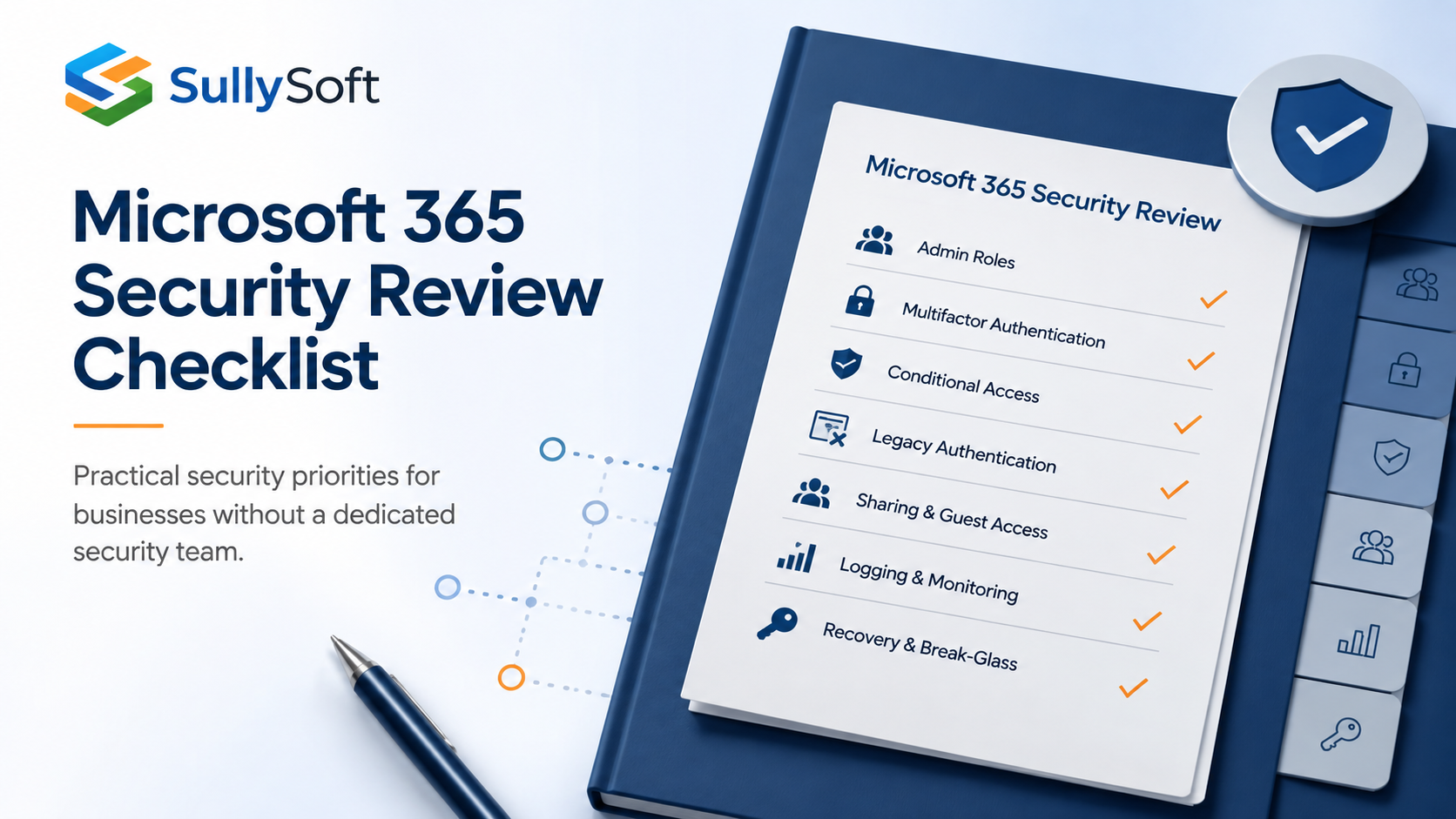
For a business without a dedicated security team, a Microsoft 365 security review should begin with administrative roles, multifactor authentication, Conditional Access, external sharing, and recovery controls. Those areas usually change risk faster than small policy tweaks or isolated mailbox settings. The review should identify what is currently enabled, what is missing, and what the business can realistically manage after changes are made.
Who this checklist is for
This checklist is intended for small and midsized businesses that rely heavily on Microsoft 365 for email, collaboration, and identity but do not have a full-time cloud security engineer. It is especially relevant for organizations where Microsoft 365 was set up quickly, inherited from another provider, or expanded over time without a structured security review.
Why prioritization matters in Microsoft 365
A Microsoft 365 tenant contains many useful controls, but not every control has equal impact. Lean teams need to focus first on the settings that reduce account takeover, privilege misuse, data leakage, and recovery failure. That usually means reviewing who has administrative access, how sign-ins are protected, what legacy paths still exist, and what happens if a key account is locked out or compromised.
Review administrative roles before anything else
The first question is simple: who can make high-impact changes in the tenant? Review global administrators and other privileged roles, confirm that administrative access is limited to named individuals, and remove standing access that no longer has a business reason.
Look for these issues:
- Too many global administrators.
- Shared admin credentials.
- Admin accounts used for everyday email or browsing.
- Former staff, contractors, or MSP access that was never removed.
- Standing active access instead of just in time PIM
- Synced (on-prem) accounts with cloud admin roles
- Missing or misconfigured Break-Glass accounts
- Lack of automated access reviews
Confirm multifactor authentication is actually enforced
Many organizations believe MFA is “turned on” when the reality is inconsistent or conditional enrollment. The review should confirm whether all users, privileged accounts, guests with sensitive access, and service-specific administrators are covered.
It is also worth documenting exceptions. If a specific legacy workflow or device prevents universal MFA enforcement, capture that clearly so leadership understands the residual risk rather than assuming the tenant is fully protected.
Evaluate Conditional Access in the context of the business
Conditional Access can materially improve tenant security, but it should be reviewed in context. The goal is not to enable every control available. The goal is to apply policies that the business can support operationally.
For most lean teams, useful questions include:
- Are there policies protecting privileged sign-ins?
- Are risky sign-ins or impossible travel events acted on?
- Are unmanaged devices restricted for sensitive workloads?
- Are break-glass accounts excluded carefully rather than broadly?
Disable legacy authentication where possible
Legacy authentication can create avoidable exposure because it bypasses modern identity protections in many scenarios.
The review should confirm whether any mail clients, scripts, printers, scanners, or older applications still depend on legacy methods. If they do, the report should identify an owner, the business reason, and a plan to remove that dependency.
Review external sharing and guest access together
External sharing and guest collaboration are often configured piecemeal. A practical review should look at tenant defaults, Teams and SharePoint sharing rules, guest lifecycle management, and whether third-party access is aligned with actual business need.
This part of the review should identify whether:
- Sensitive content can be shared too broadly.
- Old guest accounts remain active indefinitely.
- There is no review process for what external users still need access to.
Check mailbox forwarding and high-risk mail settings
Automatic forwarding, weak mailbox delegation practices, and silent inbox rules can increase both fraud risk and data leakage. The review should identify whether forwarding to external accounts is allowed, how finance and leadership mailboxes are monitored, and whether suspicious mail rules are being reviewed.
This is one of those areas where a small configuration problem can create outsized impact.
Verify email authentication and domain protections
Email authentication settings affect both deliverability and spoofing resistance (SPF, DKIM, and DMARC).
Even if DNS changes are handled elsewhere, the review should note whether domain protection is in place, whether reporting is monitored, and whether executive or brand impersonation risks are being addressed.
Make sure audit logging and alerting are usable
A review should not just ask whether logging exists. It should ask whether the organization can investigate the events that matter. Confirm what audit data is retained, whether key alerts are configured, and who receives them.
If alerts route to a mailbox no one checks or if retention is too short for the organization’s risk profile, document that as an operational gap rather than a purely technical one.
Review application consent and integrated apps
Third-party app consent can create quiet but significant exposure if it is left unmanaged. Review whether users can authorize applications broadly, whether previously approved applications have been reviewed, and whether high-privilege integrations are documented.
Look at device access, break-glass accounts, and recovery procedures
Device posture, emergency admin access, and recovery planning often get less attention until there is a lockout or incident. The review should confirm:
- Whether sensitive access depends on managed devices or approved conditions.
- Whether break-glass accounts exist, are protected, and are tested carefully.
- Whether account recovery steps are documented for the people who would need them.
Document licensing limitations honestly
Some useful protections depend on licensing tiers that smaller businesses may not have. That does not make the review less valuable. It means the recommendations need to distinguish between:
- Controls that can be enabled now.
- Controls that require process changes instead of licensing.
- Controls that require a licensing decision.
How to prioritize the review findings
The output should focus on a short list of high-value improvements rather than a tenant-wide wish list. Good prioritization usually starts with privileged access, MFA coverage, legacy authentication removal, external sharing, recovery readiness, and logging visibility. From there, the business can decide whether deeper governance or advanced detections justify the added complexity and licensing cost.
Recommended next step
Use the review to produce a realistic action plan that a lean team can actually implement and maintain. If a control creates too much day-two overhead for the current team, that should be part of the recommendation, not an afterthought.
Relevant SullySoft CTA
If you need a scoped review of high-impact Microsoft 365 security settings and an action plan tied to your current operating model, start with the Microsoft 365 Security Review.
Sources and references
About the author

Mike Sullivan
Mike Sullivan leads SullySoft engagements across cybersecurity, cloud architecture, automation, and secure software delivery.
Relevant next step
Move from article advice to a scoped recommendation
Use this article as a starting point, then map the recommendations to your environment, constraints, and priorities.