
Category: Cybersecurity. Tags: cybersecurity, security-self-assessment, personal-security, small-business-security.
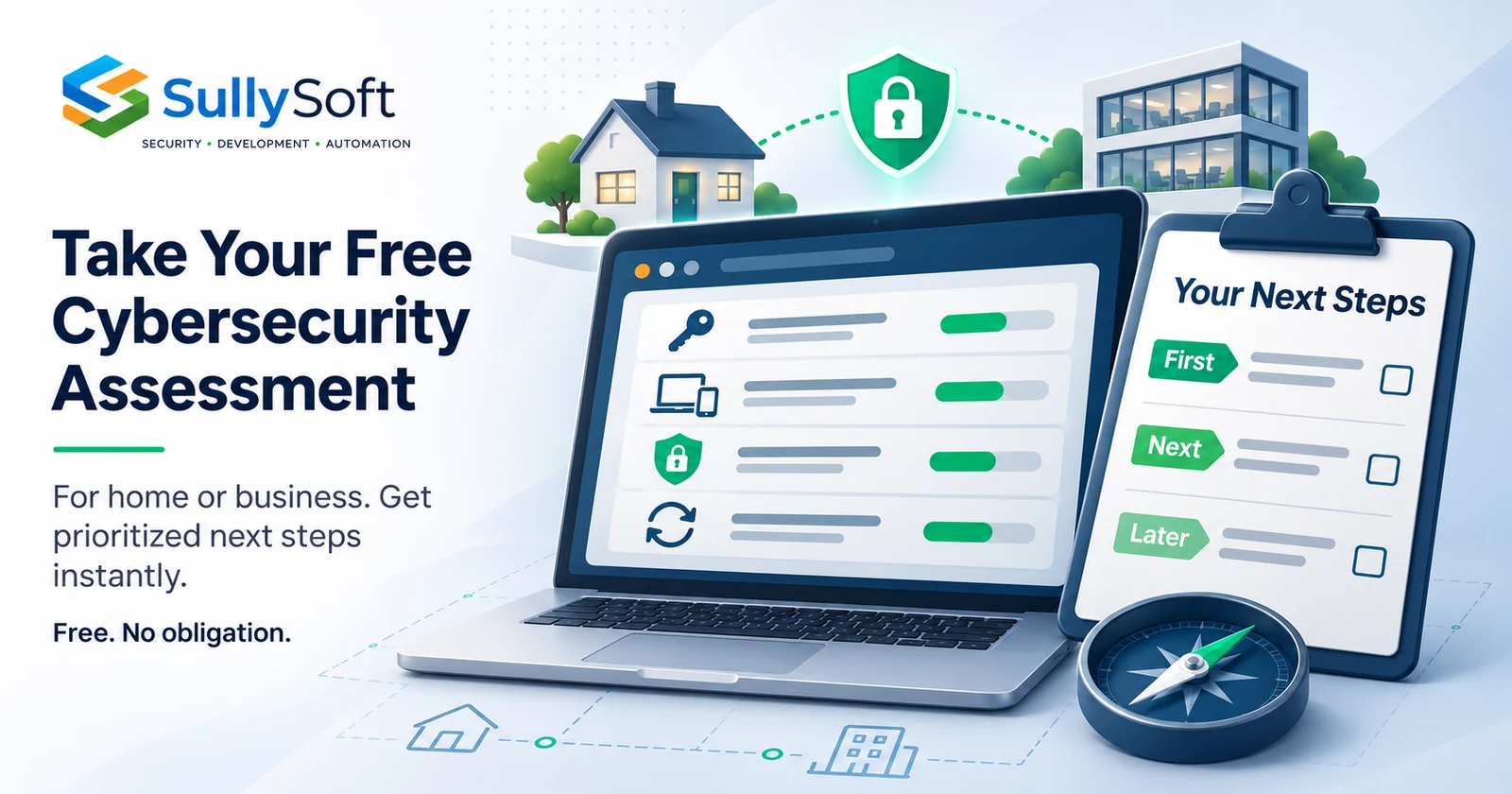
SullySoft’s free cybersecurity self-assessment helps you understand the security of your home or business and decide what to improve next. Once you complete the initial questions, you can instantly view your report and a prioritized list of practical actions based on your answers. No account, email address, purchase, or obligation to work with SullySoft is required.
A useful starting point when you are unsure where to begin
You may already use a password manager, have someone looking after your computers, or pay for a backup service. Those are useful parts of the picture. You may still wonder whether your important accounts are covered, whether anyone checks security warnings, or whether your files could actually be restored.
It can be difficult to turn those questions into a sensible starting plan, especially when security is only one of the things you are responsible for.
The assessment gives you a structured way to review what is in place, record what you do not yet know, and identify useful next steps. You can take it for yourself, your household, your business, or a specific part of a larger organization.
Start the free cybersecurity assessment.
Free means you can use the results without buying anything
You do not have to book a consultation to see your findings. You do not have to provide an email address to unlock the report. There is no purchase required, and completing the assessment does not commit you to a service or a follow-up conversation.
You can take it, keep the results, and work through the next steps yourself. You can also use the report to have a more specific conversation with someone you already trust, such as your IT provider or the person responsible for a particular system.
If you would like SullySoft’s help, that option is there. It is your decision.
Personal or business: choose the scope that fits
The starting screen offers home, small-business, and large-business options. During setup, you confirm what you are assessing so the questions have the right context.
For personal use, that might mean your important accounts, family files, computers, phones, and online services. You can consider how you sign in, how your information is protected, and what you would do if a device or important account became unavailable.
For a business, the scope can include the whole organization or a particular team or location. The assessment asks about your environment and responsibilities, including services managed by outside providers.
You answer for what is included. You do not need to describe an entire company when your responsibility covers one office or team.
Look across eight areas of security
The assessment covers eight cybersecurity pillars, with explanations of what each area means:
- Accounts and access: how people sign in, what they can access, and how access is managed.
- Devices, software, and networks: how the technology you rely on is maintained and protected.
- Information protection: how important information is accessed, stored, shared, and retained.
- People and everyday habits: how unusual requests, app choices, and security concerns are handled.
- Outside services and suppliers: the providers and apps that hold information or connect to your environment.
- Spotting and handling problems: how warnings reach the right person and lead to a response.
- Backups and recovery: whether important information can be recovered, including protection of copies and restore testing.
- Security planning and responsibility: what matters most, who is accountable, and how decisions are made.
You can follow the suggested order or choose a pillar directly. Initial questions provide a starting review, and optional deeper checks let you explore further where useful.
Get prioritized next steps immediately
Once you finish the initial questions, your results are available in the assessment immediately. There is no wait for an emailed report or a sales conversation before you can see the next steps.
Your report brings together the protections you have reported, important gaps, and checks that still need information. The action plan helps you decide what to address first, what to confirm next, and what can be planned for later. It also identifies suggested responsible roles and describes what completing an action involves.
For example, reporting that important accounts lack extra sign-in protection can lead to an action to address that gap. Having recovery copies but being unsure whether a restore has worked can lead to a different next step: confirming recovery through an appropriate test.
That distinction matters. A missing protection and an unanswered question both deserve attention, but they do not mean the same thing. The assessment keeps uncertainty visible so you can see where a conversation or confirmation is needed before deciding what to change.

Illustration: the value of a review is a plan you can work through. Your actual actions depend on your scope and answers.
You do not need to know every answer
If you are unsure, say so. An honest unknown is more useful than a guess that makes a protection appear confirmed.
You might know that an IT provider manages your devices without knowing how updates are checked. You might have backups without knowing which files are included. Recording that uncertainty helps identify what to ask and who may be able to confirm it.
The assessment is based on the information you provide. It does not scan your systems, independently verify protections, or certify that you are secure. Its purpose is to give you a clearer picture of your reported position and a practical basis for improvement.
Keep your report and return when you have more information
You can download a PDF or print the report to keep your findings and action plan. To continue the assessment later, download the JSON assessment file before closing or refreshing the page. Working answers are held in the current browser tab; without that saved file, leaving may lose your work.
You can reopen a saved assessment, review answers, or start a reassessment when something changes. Comparing two saved assessments can help you understand which reported protections changed and which unknowns have been clarified.
The assessment processes answers and reports in your browser. You control the files you download and share. Keep those files somewhere appropriate because they may reveal security weaknesses.
Want help understanding or acting on the results?
You are welcome to contact SullySoft if you want a further explanation, help deciding how to approach an action, or assistance making improvements. We can discuss what a finding means in your situation and whether any additional review or implementation help would be useful. Any paid work would be discussed and agreed separately.
You do not have to send a complete assessment file to start that conversation. A description of the question you want to resolve is a useful place to begin.
For now, you can take the assessment with no obligation, get your prioritized list immediately after completing the initial questions, and choose your own next step.
Take the free cybersecurity assessment for your home or business.
About the author

Mike Sullivan
Mike Sullivan leads SullySoft engagements across cybersecurity, cloud architecture, automation, and secure software delivery.
Relevant next step
Find your next security improvement, for free
Start the assessment for your home or business. Get your prioritized next steps without an account, email address, purchase, or obligation to contact us.